✅ Top 5 BEST Laptop Docking Stations (2025) | Watch Before You Buy !
In the ever-evolving world of peripherals, Laptop Docking Stations have become essential for turning a laptop into a true desktop-like workstation. Whether you’re teleconferencing, coding, or running back-to-back creative sessions, a well-chosen docking station can simplify your setup, boost productivity, and protect your posture by eliminating the constant plugging and unplugging of peripherals. This guide dives into the best options for 2025, exploring how different docking stations align with diverse needs—from budget-friendly everyday use to premium, high-end configurations. If you’re searching for a smarter way to power your workflow, you’re in the right place. Here, we’ll explore top models, practical considerations, and actionable recommendations to help you pick the right fit for your setup. Welcome to a thorough, buyer-focused look at Laptop Docking Stations.
 amazon.com
In this guide, we’ll highlight a curated selection of standout models that exemplify the best in build quality, performance, and value. Specifically, we’ll examine five top contenders that consistently earn praise for reliability and feature rich arrays of ports: the Anker 563 USB-C Docking Station, the CalDigit TS4 Thunderbolt 4 Dock, the Kensington SD5000T5 EQ Thunderbolt 5 Dock, the Anker Prime TB5, and the CalDigit TS5 Plus. Each of these offers a unique balance of price, performance, and capabilities, making them excellent reference points for comparing what you might want in 2025. As you read, you’ll see practical guidance for selecting the right model based on your device ecosystem—whether you’re a Mac user, a Dell XPS enthusiast, a Lenovo ThinkPad loyalist, or simply looking for a versatile, all-around option. If you’re chasing a solution that blends user-friendliness with robust power and display support, this article will help you identify the best laptop docking station for your needs and budget.


Introduction to Laptop Docking Stations
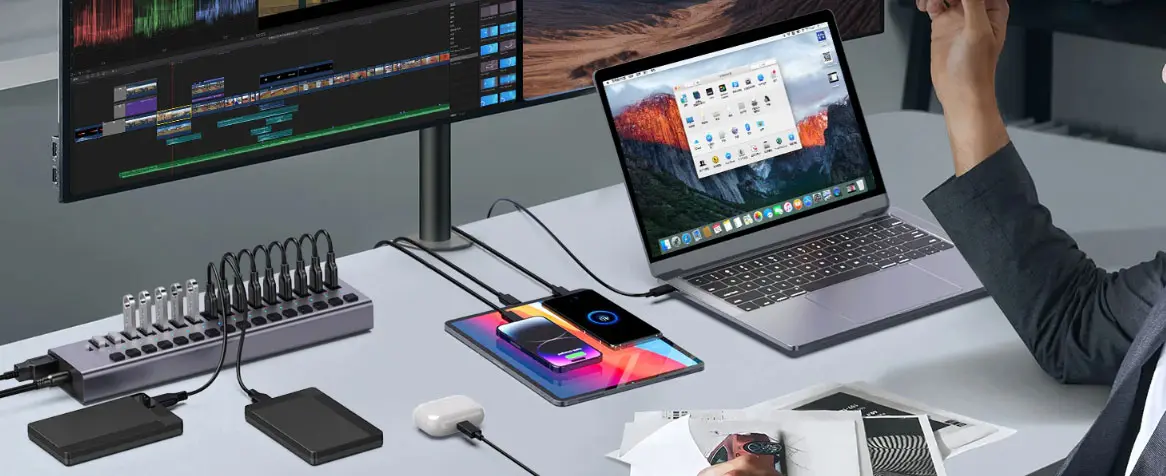
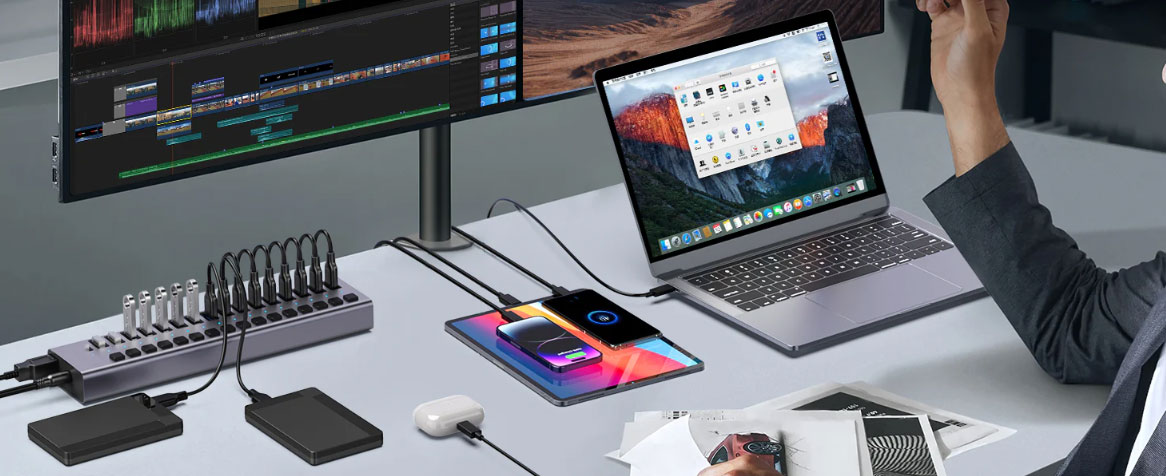
A docking station is more than a convenient port hub; it’s a gateway to a more organized, efficient, and ergonomic workstation. It consolidates your peripherals—monitors, keyboards, mice, external storage, speakers, network connections, and charging power—into a single, streamlined interface. The core idea is simple: connect your laptop to a single hub and instantly unlock a multi-device workspace without the tangle of cables. In practice, docking stations give you:
- Expanded display capabilities, enabling multiple monitors for higher productivity and improved multitasking.
- Unified charging while you work, so you don’t carry multiple adapters.
- A stable, optimized power profile for demanding peripherals like high-refresh-rate displays, RAID storage, or external GPUs (where supported).
- Reduced wear on your laptop’s ports from repeated plugging and unplugging.
In today’s environment, where remote work, hybrid schedules, and professional-grade workloads are common, a reliable docking station is often the differentiator between a seamless day and a frustrating one. In essence, “Laptop Docking Stations” are not just an accessory; they’re a strategic investment in your workspace efficiency, your comfort, and the longevity of your devices. As you weigh options, you’ll notice categories and design philosophies that guide your decision: USB-C docking stations for broad compatibility and cost efficiency, Thunderbolt docking stations for high bandwidth and future-proofing, and portable travel docks for work-anywhere flexibility. Below, we break down the main flavors to help you decide where to spend your money.
What is a Laptop Docking Station?
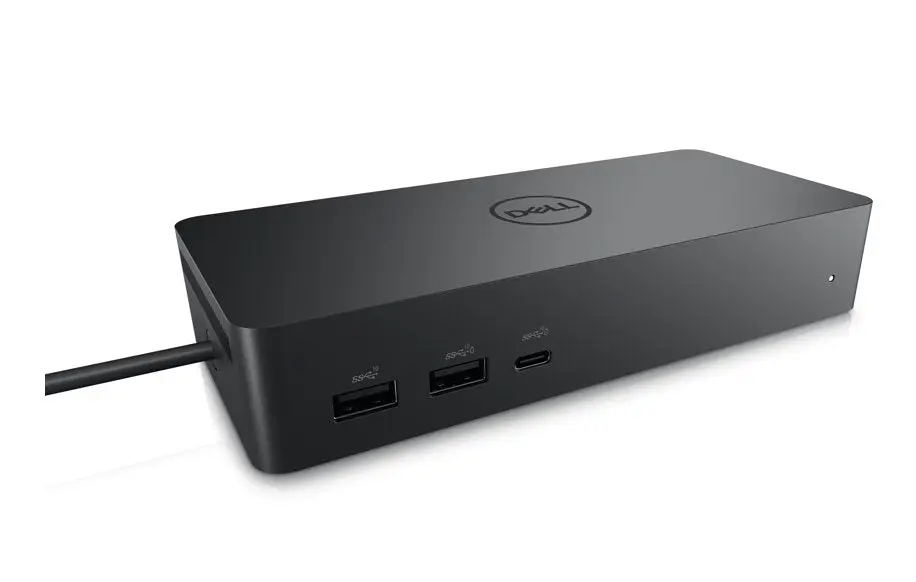
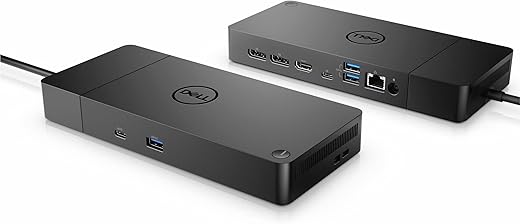
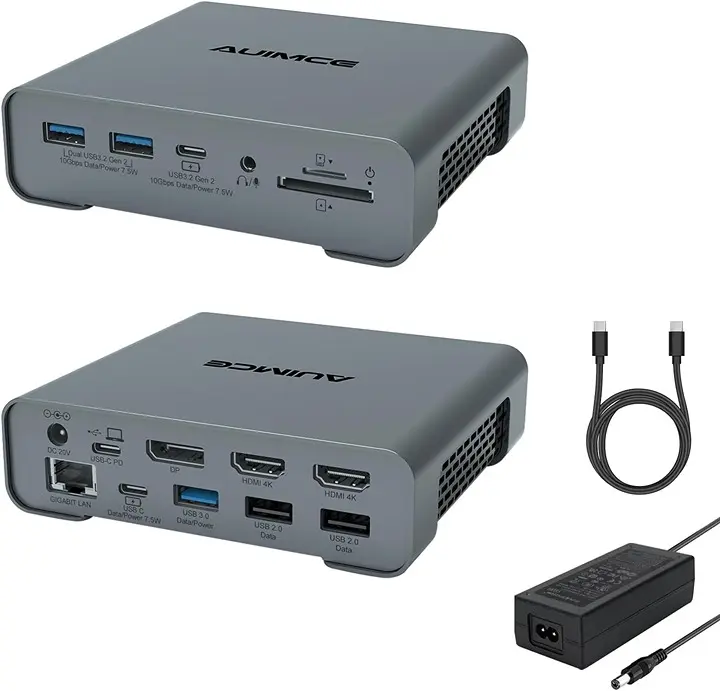
A docking station is a centralized hub that plugs into your laptop via a single connection (often USB-C or Thunderbolt). It then provides a curated set of ports and power delivery to peripherals and the laptop itself. Depending on the model, you might find HDMI or DisplayPort outputs for external monitors, USB-A and USB-C ports for peripherals, Ethernet for reliable wired networking, audio jacks, SD card readers, and robust power delivery that can charge the laptop while in use. Some advanced options also support dual or triple monitor configurations, 4K or even 8K display outputs, and substantial power delivery (sometimes exceeding 100W) to keep even power-hungry laptops running without reliance on a separate charger.
What makes docking stations so compelling is the combination of convenience and performance. They transform a cluttered desk into a clean, organized workspace and can unlock performance gains by ensuring stable data transfer, reliable networking, and efficient charging—without forcing you to plug and unplug a chorus of cables every time you sit down or stand up. The result is a more focused workday, fewer interruptions, and a more professional, productive environment.
Importance of Docking Stations for Modern Workspaces
In modern workspaces, the same desk often serves multiple purposes: coding sessions, data analysis, video calls, content creation, and light gaming. The diverse requirements mean you need a versatile hub that can accommodate:
- Multiple high-resolution monitors for immersive workflows and better multitasking.
- fast, reliable networking to ensure smooth video conferences and large-file transfers.
- Adequate power delivery so essential devices stay charged through long sessions.
- A clean, organized workspace free from cable clutter that can hamper productivity and ergonomics.
A high-quality docking station directly addresses these needs. It reduces the friction of connecting peripherals, allowing you to focus on your tasks rather than on cable management. For Mac users, PC users, or mixed environments with Dell XPS, Lenovo ThinkPad, or ThinkPad-class devices, choosing a docking station that guarantees compatibility and stable operation is critical. In 2025, the market continues to advance with faster data paths, more diverse display configurations, and better thermal management—factors that influence both performance and longevity. A good docking station becomes an anchor in your tech ecosystem, a reliable partner that keeps your devices in sync and ready to work whenever you are.
In the sections that follow, we’ll present a structured overview of the main docking station types, focusing on the options that provide tangible benefits for everyday use and professional workloads. We’ll also analyze the top five docking stations for 2025, explaining what makes them standout choices, their strengths, and practical recommendations for different budgets and setups. If you’re aiming for a balance of performance, reliability, and value, you’ll find meaningful guidance here to inform your next purchase.
Types of Laptop Docking Stations
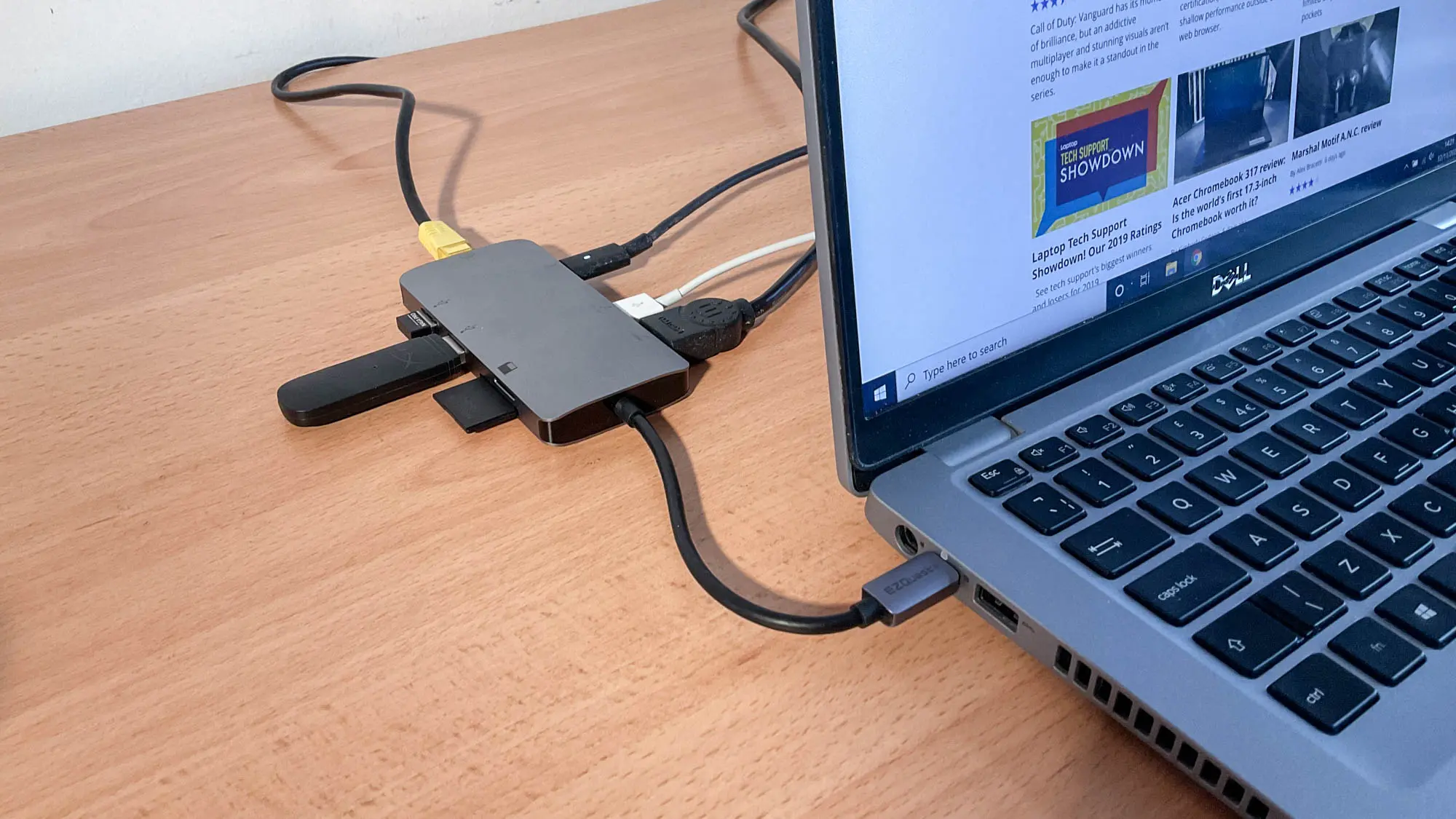
Docking stations come in several core formats, each with distinct strengths and trade-offs. Understanding these categories helps you align your choice with your devices, use cases, and budget.
USB-C Docking Stations
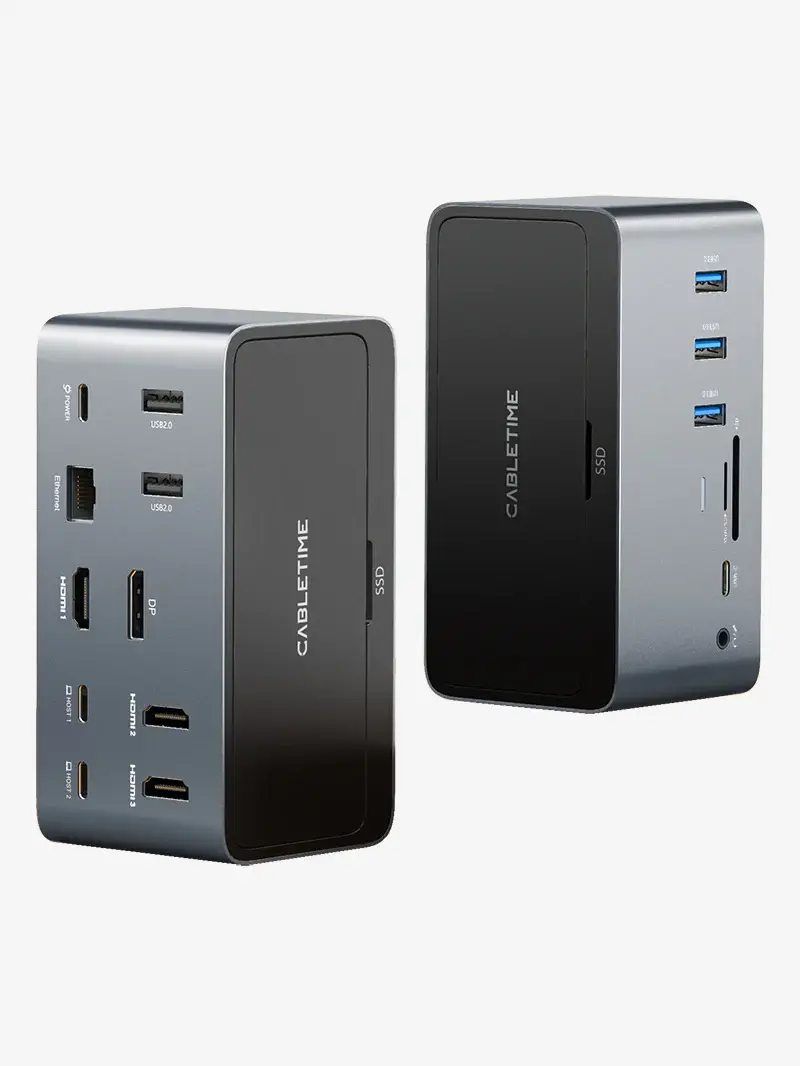
USB-C docking stations are the most ubiquitous and often the most versatile option for modern laptops. They leverage the power and data path of USB-C to deliver:
- A wide range of ports from USB-A and USB-C to HDMI/DisplayPort, Ethernet, SD card readers, and audio jacks.
- Power delivery (PD) that can charge your laptop while it’s connected to the dock, typically in the 60W–100W range, though some premium models deliver more.
- Broad compatibility across numerous laptops from different brands, making USB-C docks a safe, flexible choice for mixed ecosystems.
USB-C docks tend to be more affordable than Thunderbolt docks, while still delivering solid performance for most everyday tasks and even some demanding workloads if you don many peripherals with moderate power needs. They’re especially appealing if you frequently switch between PCs, or you want a single, easy solution for both work and personal devices. That said, USB-C docks are limited by USB-C bandwidth compared to Thunderbolt, which can constrain high-refresh-rate multi-monitor setups or very high-speed data transfers when you push toward premium display configurations.




Thunderbolt Docking Stations
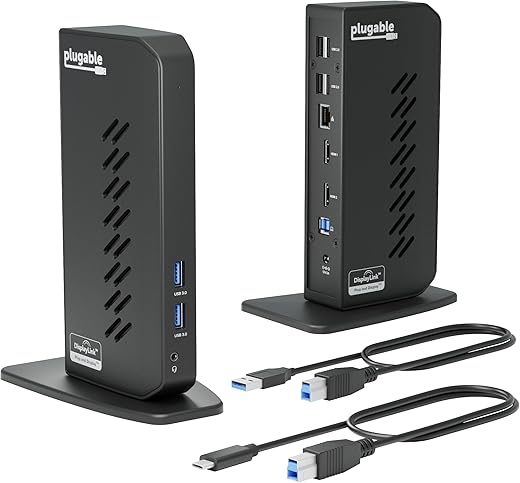
Thunderbolt docking stations (especially Thunderbolt 4 and the newer LED-capable variants) are designed for maximum performance and future-proofing. They offer:
- Higher bandwidth paths, enabling dual 4K or even 8K display configurations at stable frame rates, along with fast data transfers.
- Expanded power delivery, suitable for power-hungry laptops and peripherals, often with 90W–240W total, depending on the model.
- Compatibility with Thunderbolt devices, which can include external GPUs, high-speed storage enclosures, and other thunderous peripherals.
Thunderbolt docks tend to be pricier than USB-C options, but they are the best choice for users who want the most flexible, high-performance setup. They shine in professional environments requiring multiple displays, large data transfers, and robust, multi-device hubs that keep everything connected with minimal latency or hiccups. If you work with graphics-intensive software, video editing, 3D rendering, or data-heavy tasks, a Thunderbolt docking station can be a significant productivity booster.
Portable Travel Docking Stations
For travelers and mobile workers, portable travel docking stations offer compact form factors, lighter weight, and a simplified port array designed to slip into a laptop bag or carry-on. They generally include:
- A curated set of essential ports (HDMI/DisplayPort, USB-C, USB-A, Ethernet, and sometimes SD card readers).
- Some level of power delivery, but typically less than full desktop-class docks, reflecting a balance of portability and performance.
- A focus on ruggedness and travel-friendly features, such as cable management and lightweight aluminum enclosures.
Portable travel docks are ideal when you want to extend your laptop’s capabilities on the go without sacrificing much desk space. If your work involves frequent travel, presentations, or remotely shared workspaces, a compact dock can be the difference between a functional setup and a cramped, cable-laden workflow.
The Top 5 Docking Stations for 2025: A Detailed Look
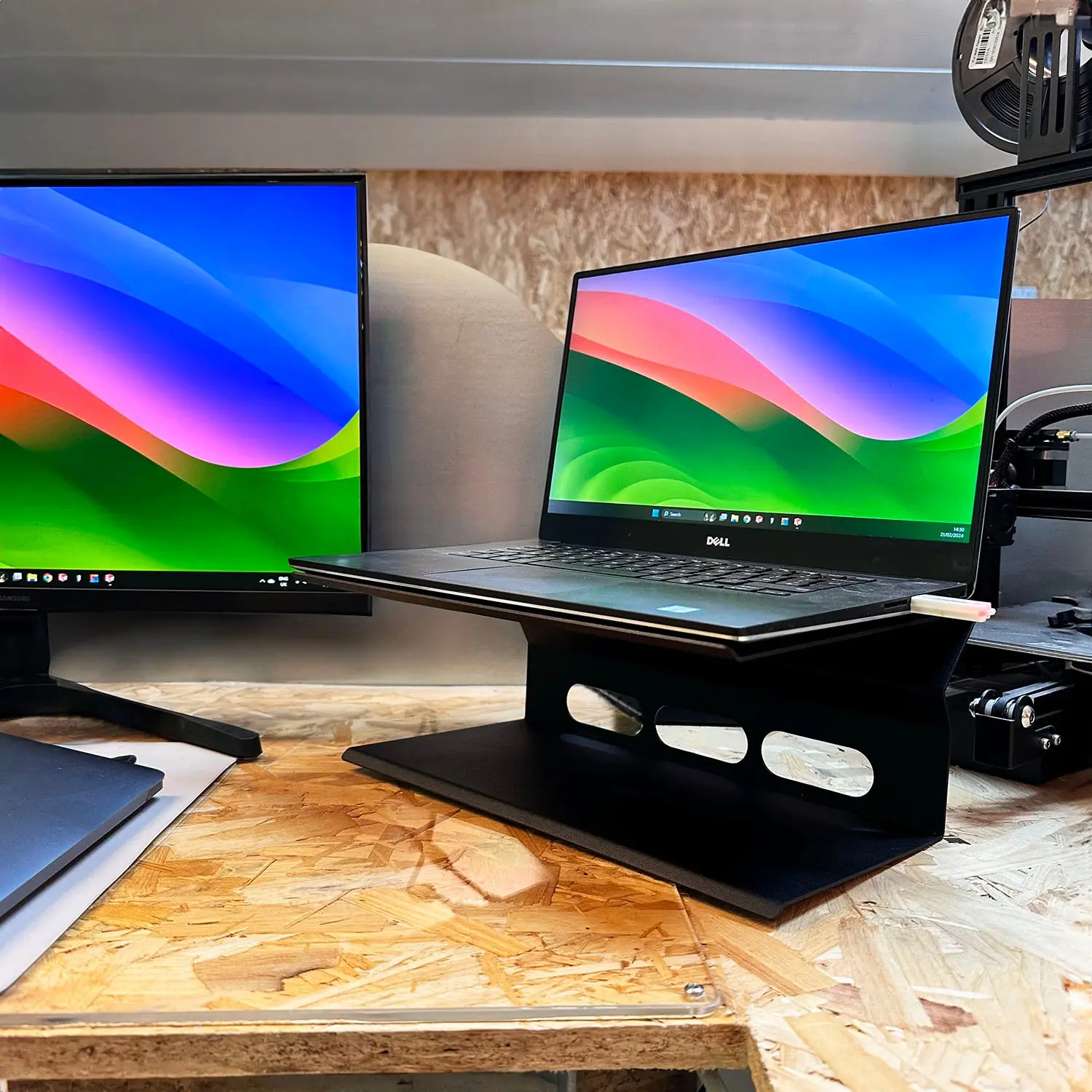
We’ve compiled a thoughtful assessment of five standout models that reflect the state of the market in 2025. Each one targets a slightly different niche, from budget-conscious everyday use to premium, high-throughput setups. The list includes Anker’s practical and capable models, CalDigit’s premium options, and Kensington’s professional-grade solution. Here’s how they stack up and what you should consider when evaluating them for your own desk.
- Anker 563 USB-C Docking Station
- CalDigit TS4
- Kensington SD5000T5 EQ
- Anker Prime TB5
- CalDigit TS5 Plus
As you explore these options, you’ll notice how they balance space, performance, price, and compatibility. We’ll break down the key features, the ideal use cases, and practical buying guidance to help you pick the right one for your setup.
Anker 563 USB-C Docking Station
The Anker 563 USB-C Docking Station presents a budget-friendly yet robust solution with a thoughtful feature set. It delivers dual 4K display support at 60Hz, a balanced port mix (USB-A, USB-C, HDMI, Ethernet), and a compact footprint that suits most home offices or shared desks. Its value proposition is simple: you get essential modern connectivity without breaking the bank, along with reliable build quality that Anker has become known for.
- Price range: Generally between $89 and $120, depending on sales and retailers.
- Display and performance: Dual 4K @ 60Hz for smooth multi-monitor experiences, suitable for productivity tasks, coding sessions, and light content creation.
- Ports and expansion: USB-A, USB-C, HDMI, Ethernet, plus a few audio options in some variants. This is a versatile setup for most standard laptops, particularly those that rely on USB-C for charging and data transfer.
For users who want a solid, reliable docking station that covers the basics well, the Anker 563 represents a practical starting point. It’s especially appealing for “best docking station under $100” seekers who want a dependable, simple upgrade to their laptop’s connectivity without stepping into premium territory. For MacBook users and Windows users alike, this dock demonstrates that you don’t need to overspend to gain a noticeable improvement in desk organization and peripheral management. If you’re primarily using your laptop for productivity tasks, video calls, and light content creation, this model hits the sweet spot of value and capability.
- Related thought: If you’re a power user who runs multiple high-resolution displays or needs extremely high bandwidth, you might want to explore higher-end options in this guide, but for many people, the Anker 563 is a strong first upgrade. For a direct product reference, you can explore Anker 563 USB-C Docking Station for more details.




CalDigit TS4
The CalDigit TS4 is a premium Thunderbolt 4 docking station designed for users who demand the utmost in performance, reliability, and expandability. With 18 connection options, it’s built to power a wide range of peripherals, while supporting multi-monitor configurations that include dual 6K displays in some setups. The TS4 is known for its durable aluminum construction and excellent heat dissipation, which helps maintain performance during long workloads and intensive tasks.
- Price range: Typically $299–$360, depending on promotions and retailers.
- Display and performance: Dual 6K display support under capable configurations, making it ideal for professionals working with ultra-high-resolution content and complex multi-monitor workflows.
- Power and flexibility: Substantial power delivery to charge laptops and run external devices, with a robust selection of ports including Ethernet, USB-A, USB-C, HDMI/DisplayPort outputs, and audio options.
Users who choose the CalDigit TS4 are prioritizing performance, thermal stability, and future-proofing. If your workflow often involves demanding media tasks, software development with multiple IDEs and data streams, or professional video editing across multiple large displays, the TS4 offers a degree of headroom that most USB-C docks cannot match. It’s an investment that pays off when your work demands consistent throughput and reliable port abundance. For more details, you can view the official CalDigit TS4 page CalDigit TS4.
Kensington SD5000T5 EQ
Kensington’s SD5000T5 EQ is one of the early adopters of Thunderbolt 5 docking in the market and is renowned for supporting triple 4K display configurations. This dock emphasizes bandwidth and stability under load, delivering impressive performance along with an aesthetic and professional build quality. The SD5000T5 EQ strikes a balance between robust performance and a business-friendly design, making it an appealing choice for professionals who want strong reliability and clean aesthetics on their desks.
- Price range: Typically in the $349–$420 range.
- Display and performance: Capable of triple 4K displays, with the bandwidth and connections that serious multi-monitor setups require.
- Build and design: Solid, professional build with a focus on reliability, heat management, and long-term durability.


For teams or individuals who routinely rely on multi-monitor productivity and require a rugged, professional-grade solution, the Kensington SD5000T5 EQ offers a compelling combination of performance and aesthetics. If your macOS or Windows workflow benefits from high-bandwidth connections and triple-display layouts, this dock provides a compelling option. If you’d like to learn more, you can check Kensington SD5000T5 EQ for current specifications and availability.
Anker Prime TB5
Anker’s Prime TB5 is a flagship option that emphasizes user-friendly design and impressive power delivery. It supports dual 8K displays or up to four 4K displays, and it’s tuned for consumer-friendly experiences with strong 240W power delivery, which is ample to power even gaming laptops through long sessions. The Prime TB5 is designed to be versatile and straightforward to set up, with a focus on plug-and-play usability and a broad port assortment that covers USB-C, USB-A, HDMI/DisplayPort, Ethernet, and more.
- Price range: Typically $279–$349.
- Display and performance: Up to dual 8K or four 4K displays, depending on the host device and display chain.
- Power delivery and ports: A substantial 240W PD profile for powering demanding laptops, combined with a flexible ports lineup that supports various peripherals.
This model is particularly appealing to users who want premium display flexibility without sacrificing ease of use. If you’re a consumer who values a strong, balanced docking experience with big-display capabilities and top-tier power delivery, the Anker Prime TB5 is a strong candidate. If you’re exploring a docking station that can adapt to gaming laptops as well as professional work laptops, this is a good fit. For more details, you can look at Anker Prime TB5 for technical specs and availability.
CalDigit TS5 Plus
CalDigit’s TS5 Plus is positioned as the top-of-the-line docking station with a compelling feature set for demanding professionals. It supports up to four 6K displays or eight 4K displays, and it’s built with an emphasis on high-quality construction, cooling efficiency, and quiet operation even under maximum load. The TS5 Plus is designed for reliability and maximum performance, making it well-suited to professionals who rely on complex workflows that demand stable, consistent output across multiple devices.
- Price range: Typically $429–$499.
- Display and performance: High-end multi-monitor support, including up to four 6K displays.
- Build and efficiency: Premium build quality, efficient cooling, and quiet operation under heavy workload.
For users who need ultimate performance and reliability in a single dock, the TS5 Plus is a premium choice. If your work involves video editing, large-scale 3D rendering, or data-intensive tasks across multiple displays, this dock can be the central hub you rely on. It’s not the cheapest option, but it’s designed to deliver the most robust performance and stability in a single enclosure. More information is available at CalDigit TS5 Plus.
Putting It All Together: How to Choose the Best Dock for Your Needs
Selecting a docking station is a balancing act among performance, compatibility, and price. Here are practical guidelines and considerations to help you navigate the decision.
- Determine your display needs: If you rely on multiple external monitors, especially high-resolution displays, prioritize docks with robust display capability (e.g., dual 4K, triple 4K, or higher). Thunderbolt options generally provide more headroom for high-resolution multi-monitor setups.
- Evaluate your power delivery needs: If you’re using a power-hungry laptop or you want the dock to replace your laptop’s charger, look for models with high power delivery (e.g., 100W+ or 240W options). Ensure your laptop’s charging requirements are compatible with the dock’s PD output.
- Consider the ecosystem: Mac users often benefit from Thunderbolt docks for enhanced performance and stability, while Windows users may find USB-C docks perfectly adequate for most scenarios. If you’re in a mixed environment, choose a dock that emphasizes broad compatibility and stable drivers.
- Check the port mix: Think about your everyday peripherals. Do you rely on USB-A devices, SD cards, or Ethernet? Make sure the dock you choose includes the essential ports you need.
- Portability vs. performance: If you travel or work in multiple locations, portable travel docks can be a convenient choice. For a fixed home or office setup, a more feature-rich dock offers higher performance and future-proofing.
Now that you’ve seen how these top models compare, you can apply these considerations to your own setup. For many users, the decision often comes down to display needs and whether they require the extra bandwidth of Thunderbolt. If you’re a MacBook Pro user or a workstation that routinely handles large files, the premium options may be worth the investment. If you’re focused on budget-conscious upgrades, USB-C docks can deliver a solid improvement with respectable display support and a balanced array of ports.
For example, if you’re looking for the best laptop docking station under $100, the Anker 563 USB-C Docking Station stands out as a practical, reliable option that brings dual 4K output at 60Hz and a well-rounded port selection. For users who need high-end performance and triple or quad-monitor setups, the Kensington SD5000T5 EQ or CalDigit TS5 Plus offer the scale and bandwidth to handle your more demanding workflows. If you value a premium, consumer-friendly design with powerful charging capabilities, the Anker Prime TB5 is a compelling choice. Meanwhile, the CalDigit TS4 remains a favorite for those who want a robust Thunderbolt 4 dock with extensive connectivity and strong heat management.

CalDigit TS5 Plus - 20 Port Thunderbolt 5 Dock, 140W Charging, 3X 80Gb/s Thunderbolt 5, 10x 10Gb/s USB Ports, Dual USB Controllers, 10GbE, Up to Dual 8K 60Hz Displays, 1.0m Braided Cable, 330W PSU
Features
- Product Dimensions: 5.03 x 1.85 x 6.1 inches
- Item Weight: 8.9 ounces
- ASIN: B0F2GQZXVL
- Item model number: TBT5-TS5Plus-US-AMZ
- Best Sellers Rank: #4,439 in Electronics (See Top 100 in Electronics) #62 in Laptop Docking Stations
- Date First Available: March 25, 2025
- Manufacturer: CalDigit
Description
- 20 Ports of Extreme Connectivity - Featuring next-level connectivity, the TS5 Plus has more than enough ports for any workflow. The TS5 Plus includes 3x 80Gb/s Thunderbolt 5 ports, 5x USB-A 10Gb/s ports, 5x USB-C 10Gb/s ports, DisplayPort 2.1, SD 4.0 & microSD 4.0 UHS-II card readers,...
The reality is that there isn’t a one-size-fits-all answer in 2025. Your ideal docking station depends on your device ecosystem, your display requirements, your power delivery needs, and your budget. However, the models highlighted in this guide consistently deliver solid performance and reliability and are valuable reference points as you evaluate options. They illustrate a spectrum of capabilities—from everyday-friendly USB-C docks that keep your desk clean and functional, to premium Thunderbolt options tailored to heavy multitasking and professional workloads. As you analyze your setup, you can consult these models to build a shortlist of the best laptop docking stations for your particular use-case.
If you’re exploring more about current trends and best practices in choosing docking stations, you may also find value in broader buyer’s guides and comparison content. Our website, 24hTrending.com, is dedicated to helping you find, compare, and choose top products across categories on Amazon, Google, and YouTube. Our goal is to make your shopping smarter and save you time in the decision-making process, delivering reliable evaluations that align with global consumer priorities.
By integrating the best practices and the top options described above, you’ll be well-equipped to decide which docking station best aligns with your workflow, devices, and budget. Whether you’re starting from scratch or upgrading an existing setup, the right docking station can be the anchor that unlocks a more efficient and comfortable work environment.
How to Integrate a Docking Station into Your Workspace
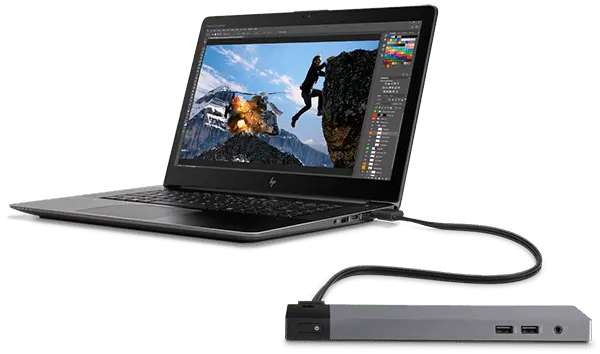
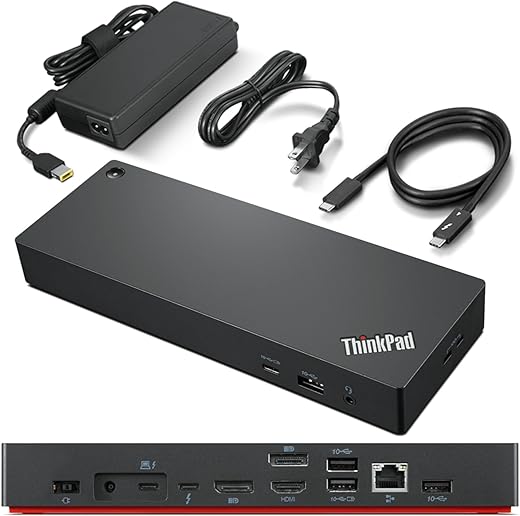
A docking station can be integrated into your workspace in several thoughtful ways to maximize efficiency and comfort. Here are practical steps and considerations to help you realize the most value from your investment.
- Map your most-used peripherals: Start by listing the devices you plug in most often (monitor, keyboard, mouse, microphone, camera, external storage). This helps determine how many USB-A/USB-C ports you need, as well as whether you require SD card slots or Ethernet.
- Plan monitor layout: If you plan to run two or more displays, decide whether you’ll use HDMI/DisplayPort for each monitor and how they should be arranged in your physical space. Some docks offer HDMI and DisplayPort simultaneously, while others provide multiple HDMI outputs. Ensure your chosen dock supports your desired monitor configuration.
- Consider desk space and cable management: A dock with a compact footprint or a clean enclosure can help reduce desk clutter. Good cable management through the dock’s ports and arranged cable routing can significantly improve the desk’s aesthetics and ergonomics.
- Assess future needs: If you anticipate adding more peripherals, a dock with more ports and higher bandwidth may be worth the investment. Consider your long-term needs and whether the dock can accommodate future devices or upgrades.
In practice, integrating a docking station into your workspace is a practical project, not just a purchase decision. It’s about shaping a more organized and efficient environment that supports your daily tasks. The right dock will become a reliable hub that helps you stay productive and comfortable while saving time and reducing fatigue.


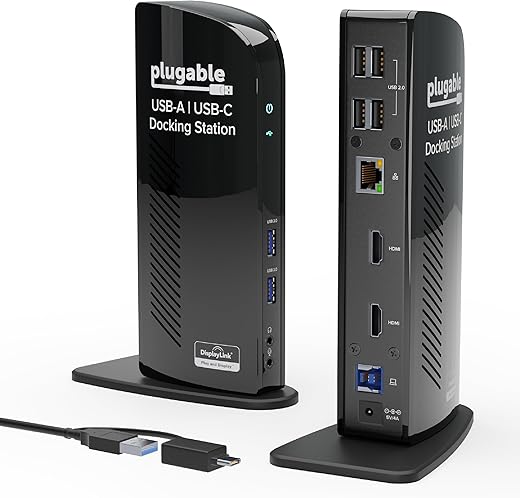
The Value Proposition of Laptop Docking Stations in 2025
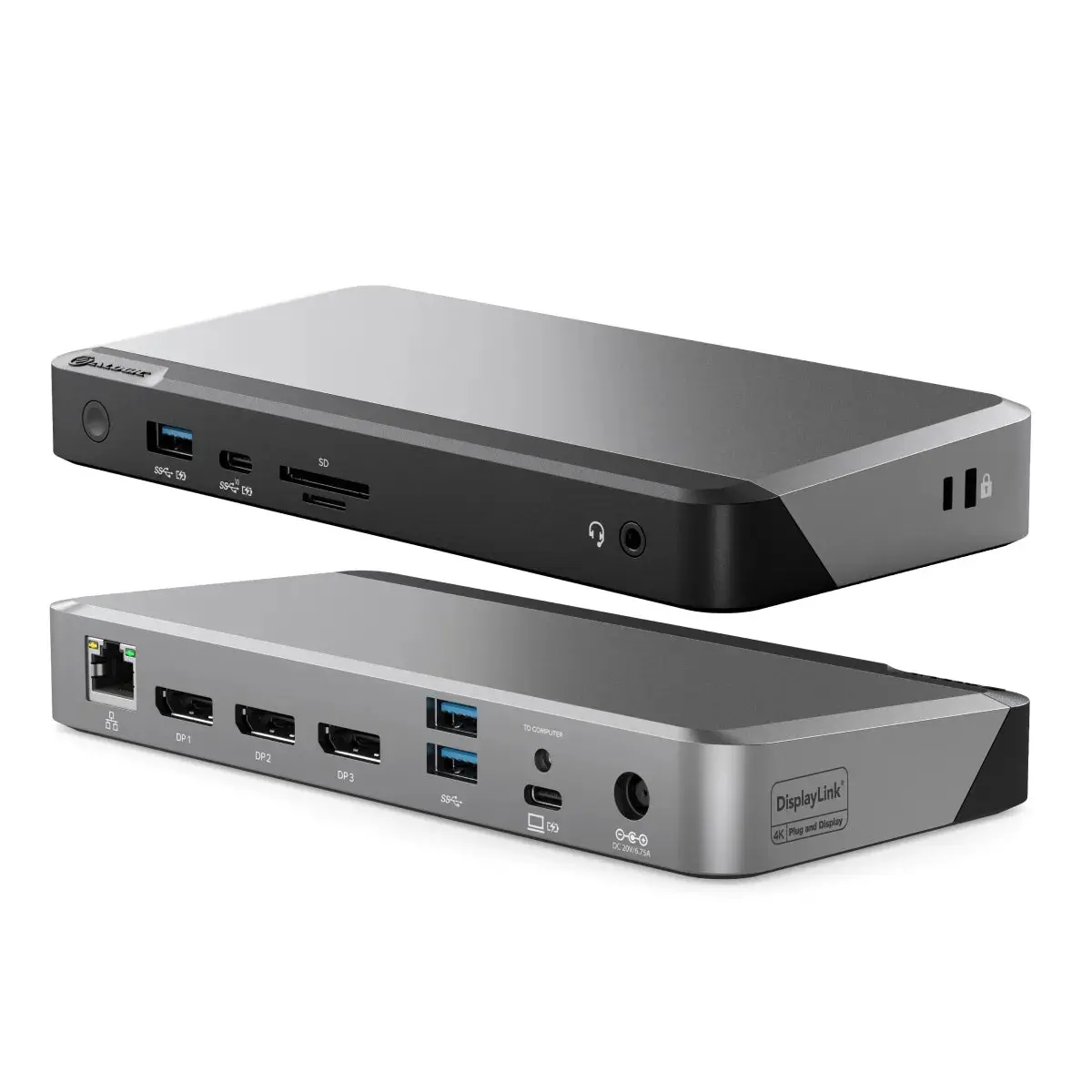
The 2025 landscape for laptop docking stations reflects an ongoing evolution toward higher display capabilities, more robust power delivery, and better efficiency. A few noteworthy trends include:
- Increasing emphasis on high-bandwidth connections to support triple-4K and even 8K display setups.
- Greater attention to heat dissipation and quiet operation, especially in premium models designed for long, demanding work sessions.
- A continued push for plug-and-play ease, with robust driver support and minimal setup friction across macOS and Windows ecosystems.
- More optimized power delivery to support gaming laptops and workstations, enabling you to replace a separate charger with a single dock.

Kensington SD5000T5 Thunderbolt 5 Docking Station – Dual Display for MacBooks M1/M2/M3/M4 Pro and Max; Triple Display for Windows TB5; TB4 Compatible, 140W Power Delivery (K35201NA)
★★★★★$239.99Features
- Product Dimensions: 8.89 x 3.82 x 1.57 inches
- Item Weight: 2.15 pounds
- ASIN: B0DGTCXHZX
- Item model number: SD5000T5
- Best Sellers Rank: #33,258 in Electronics (See Top 100 in Electronics) #410 in Laptop Docking Stations
- Date First Available: September 12, 2024
- Manufacturer: Kensington
Description
- Thunderbolt 5 dock offers lightning-fast data transfers, achieving speeds up to 80Gbps and Bandwidth Boost providing up to 120Gbps for video-intensive usage
- Dual 6K @ 60Hz for MacBooks with M4 Base, M1/M2/M3/M4 Pro, and M1/M2/M3/M4 Max chipsets; Single 8K @ 60Hz for M4 Base;...

For professionals and power users, these trends translate into meaningful improvements in daily performance and comfort. A robust docking station helps maintain a clean desk, reduces the risk of damage to laptop ports from frequent plugging and unplugging, and creates a more ergonomic and efficient work environment. It’s a clear case where thoughtful technology design translates directly into practical, everyday value.
If you want to align your purchase with a broader shopping strategy, you can look at curated content on our site that focuses on the best options across price ranges and usage scenarios. Our aim is to help you discover the best laptop docking station not only for now but for the next several years of your workflow.
Conclusion
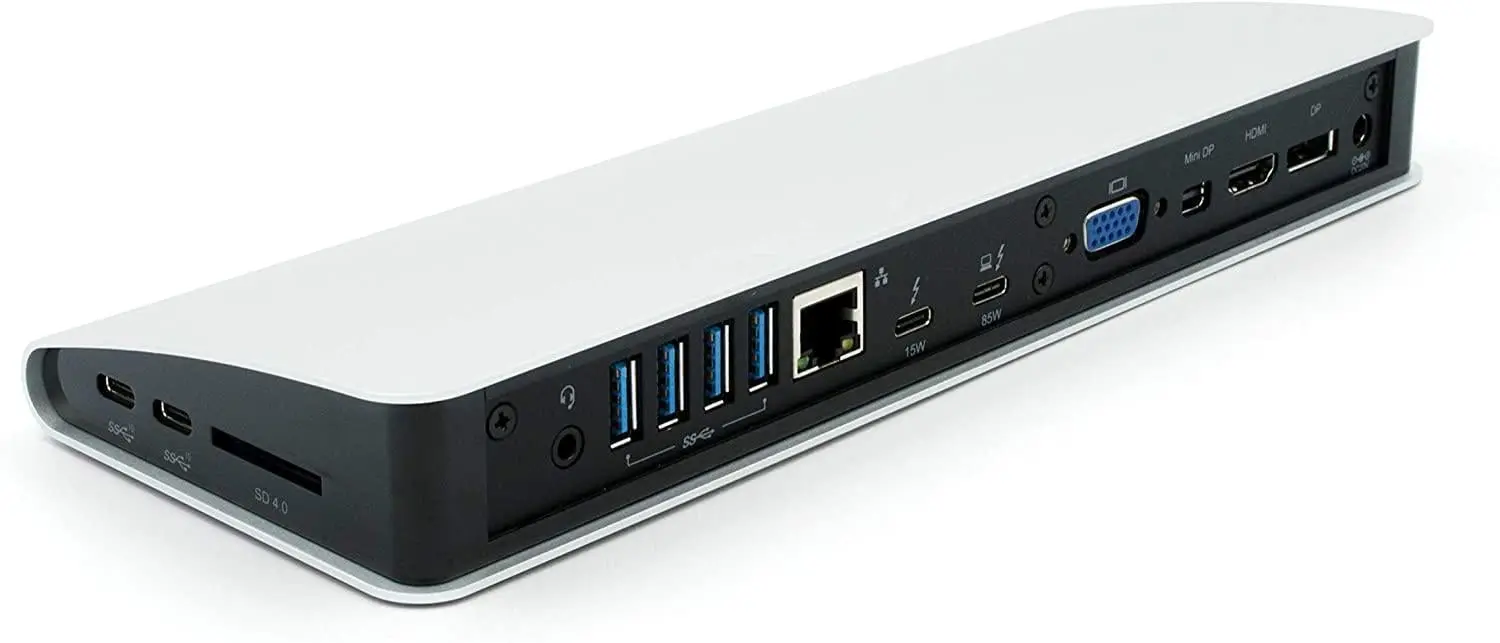
In the evolving landscape of 2025, Laptop Docking Stations stand out as essential tools for achieving a cleaner, more efficient, and more comfortable work environment. Whether you’re using a compact ultrabook or a high-powered workstation, the right dock can simplify your life by unifying display management, peripheral connectivity, and power delivery into a single, reliable hub. The top models we discussed—the Anker 563 USB-C Docking Station, CalDigit TS4, Kensington SD5000T5 EQ, Anker Prime TB5, and CalDigit TS5 Plus—cater to a wide range of use cases, budgets, and ecosystems, from entry-level, value-driven solutions to flagship options designed for demanding tasks and professional-grade projects.
As you select a dock, remember to assess your display needs, power requirements, and the ports you rely on most. The best Laptop Docking Stations for you aren’t the most expensive option or the one with the most ports—they’re the ones that deliver the right balance of performance, reliability, and value for your specific setup. For many readers, a USB-C solution that provides solid dual-monitor support and essential ports will be a practical upgrade, while power users with multi-monitor and 6K/8K display needs will appreciate the capabilities of premium Thunderbolt-based docks. The key is to make a deliberate choice anchored in your daily workflow and long-term goals, rather than chasing the newest gadget for the sake of novelty.
If you’d like to explore more recommendations and product insights, our platform continues to publish carefully curated top lists and buyer’s guides, helping you navigate the best options on major marketplaces while keeping your budget and needs in balance. This approach aligns with our mission to help you shop smarter, save time, and choose products that provide lasting value for a global community of informed consumers.
In the end, whether you’re seeking the best docking station for a MacBook Pro M3, a Dell XPS 13, or a Lenovo ThinkPad, the right dock will unlock a more productive, organized, and enjoyable workspace. We hope this guide helps you feel confident about your next purchase and excited about the enhanced capabilities and simplified daily routines a top-tier dock can deliver. When you’re ready to choose, your future self will thank you for the thoughtful, informed decision you made today.